
This step is very important, please watch this video before you start connect the hardware.
Only need this step if the printer have issue. Otherwise DO NOT need .
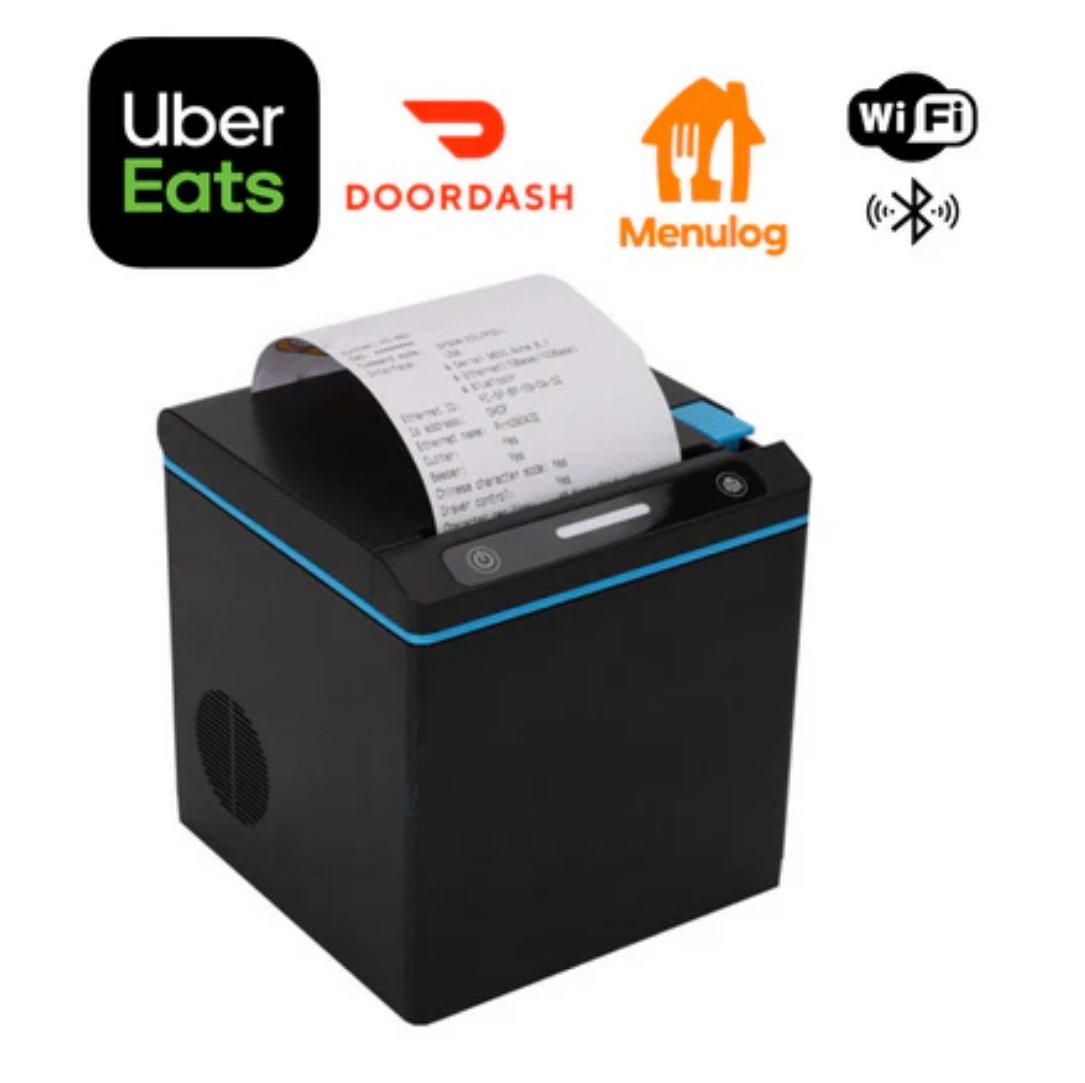
Connecting your printer to Uber Eats and DoorDash via Ethernet (network cable) usually requires ensuring that the printer and your POS terminal (or tablet) are on the same network
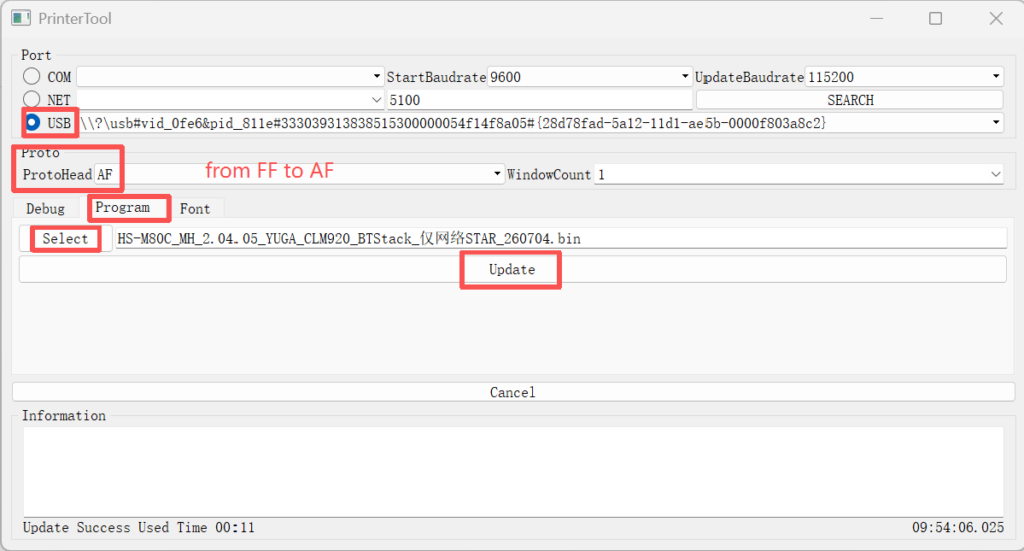
Please check the below photo and make sure the setting is all correct, then press update.
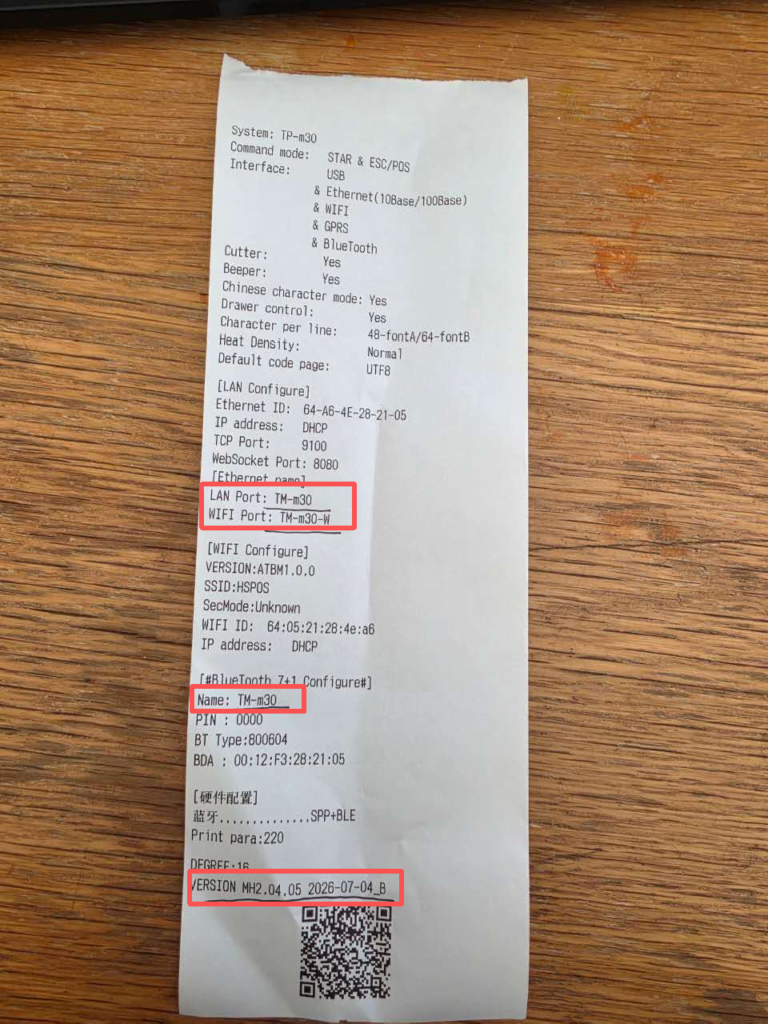
After complete update, press the paper feed button on the printer two times and the printer will print the below page. Check the botton of the page the version should be 2026-07-04.